
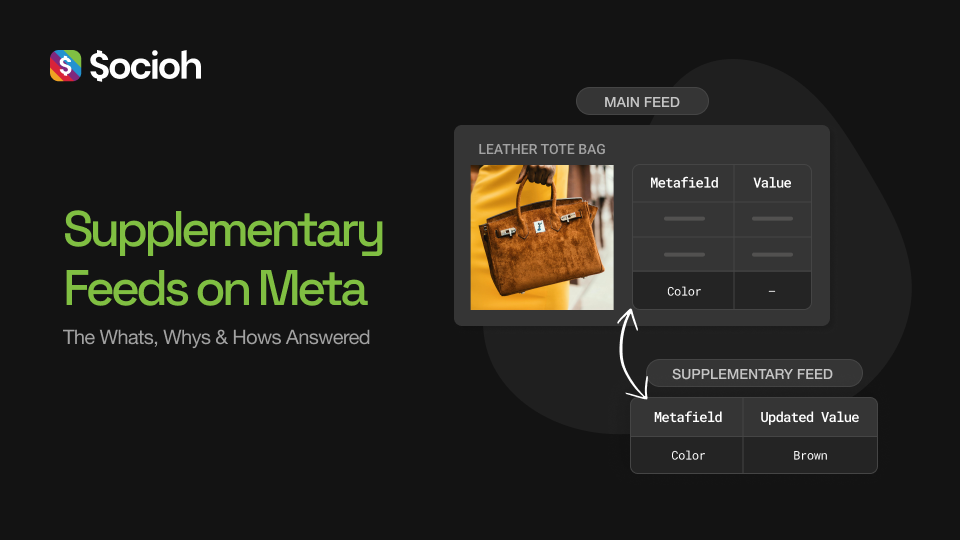
Improve product feed performance on Meta using a supplementary feed to fix incorrect data in your catalog ads & Facebook/Instagram Shop.
Why use a supplementary feed?
The main benefit of supplementary feeds is that you can update your feed with new information without affecting the learnings associated with your main feed.
This means using a product feed app like Socioh to enrich the product images in your catalog does not affect the optimizations of your currently running catalog ads
Supplementary feed use cases and examples:
1. Enhance your product catalog images
Your product images probably look like this:

Or like this:
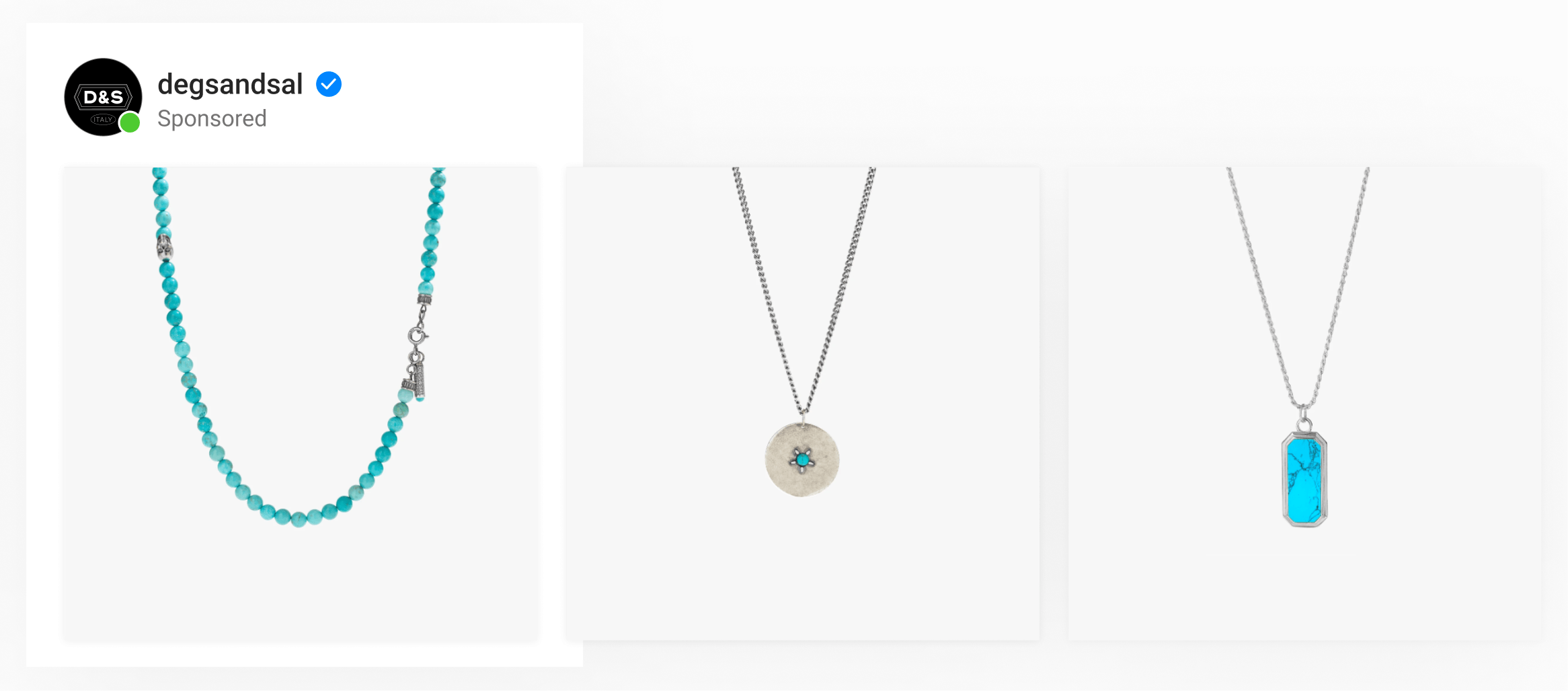
These are great for your product pages but as an ad, they don’t stand out and catch the eye.
Socioh’s Branded Catalogs can transform your product images to reflect not just your brand identity but also include product meta information, rule-based automation, lifestyle images, category-based designs, user reviews, USPs, and so much more – all without ever losing learnings!
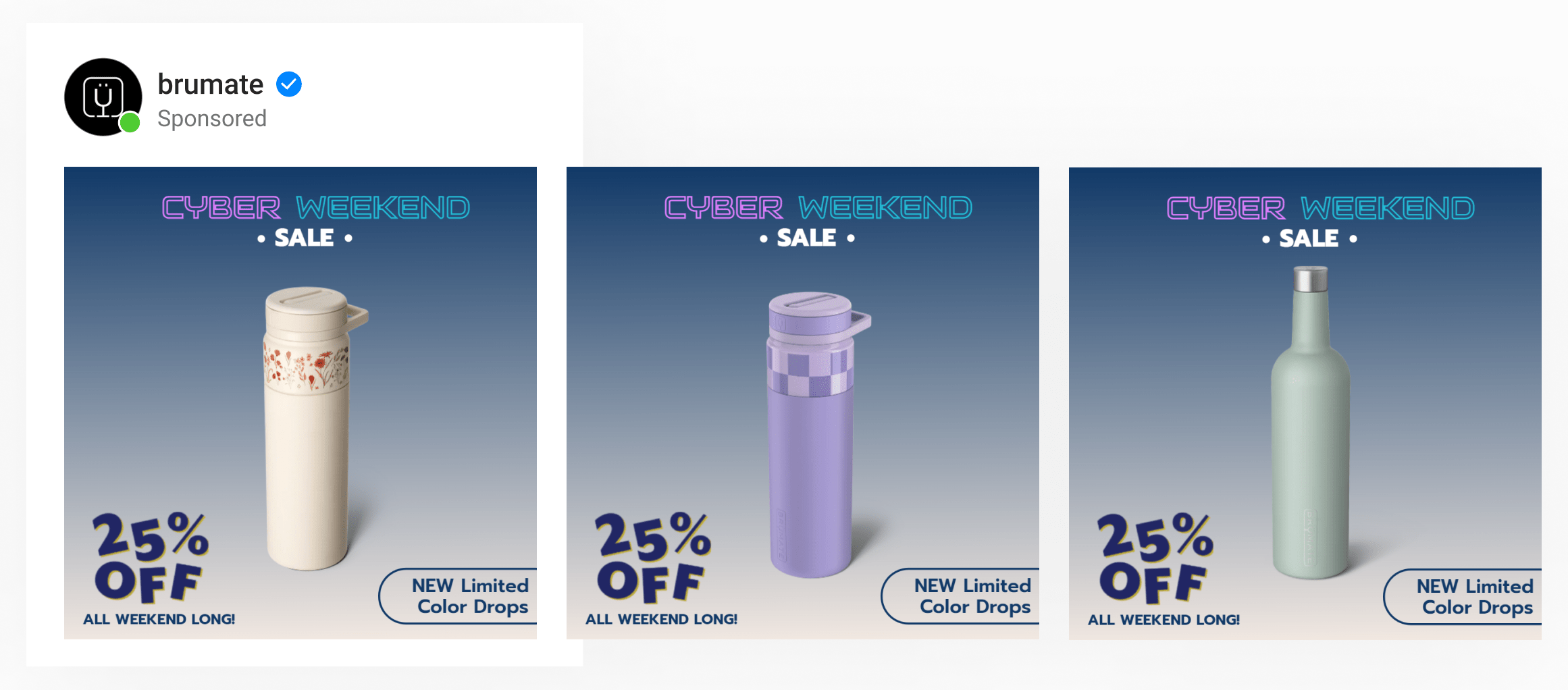
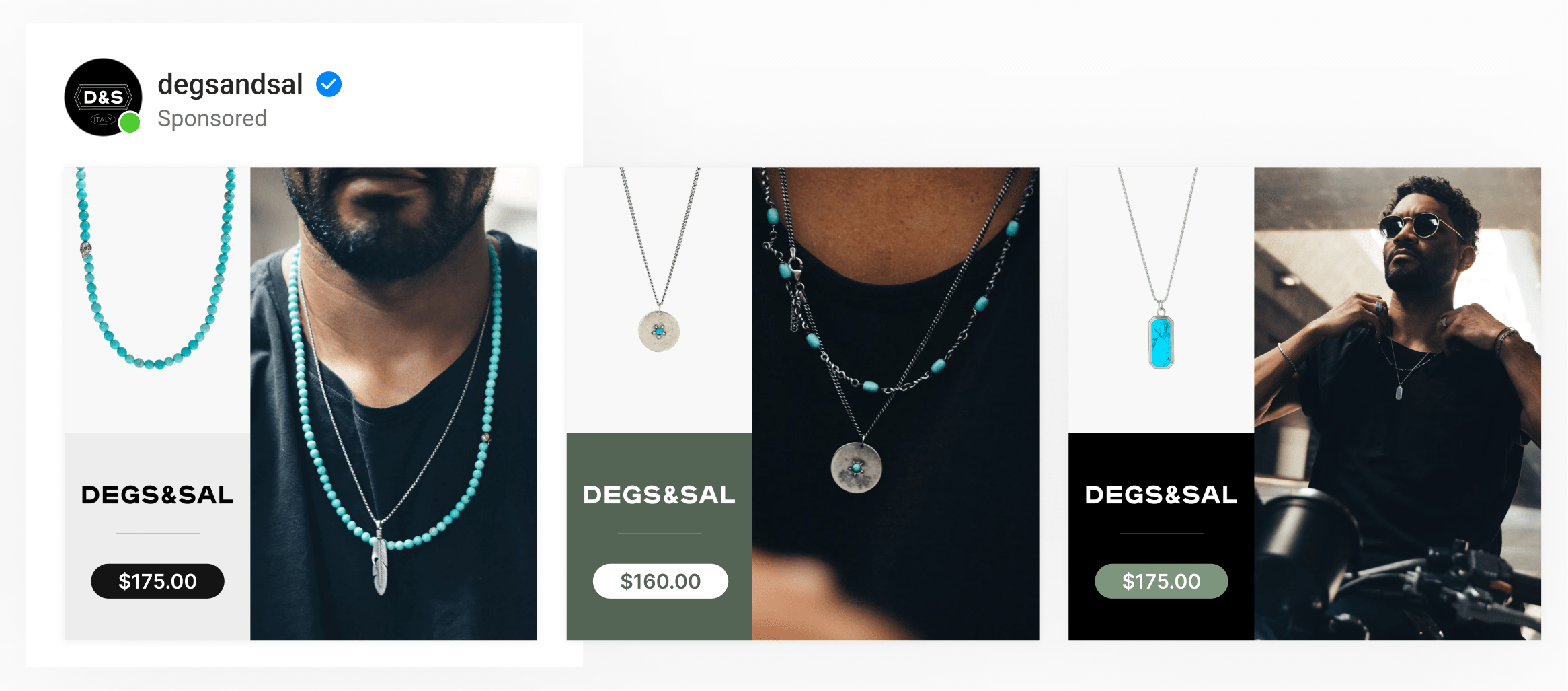
Here are some of the biggest brands using Socioh right now to boost their catalog ad and Shop performance.
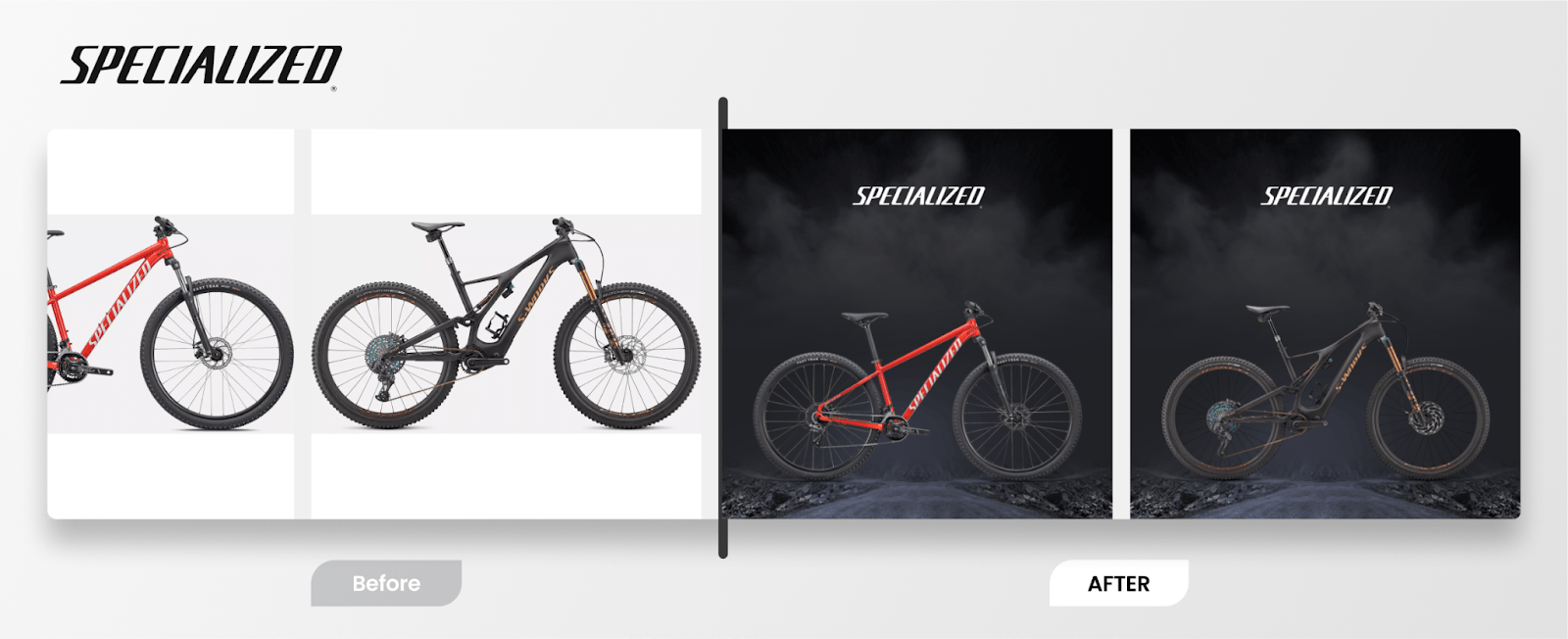
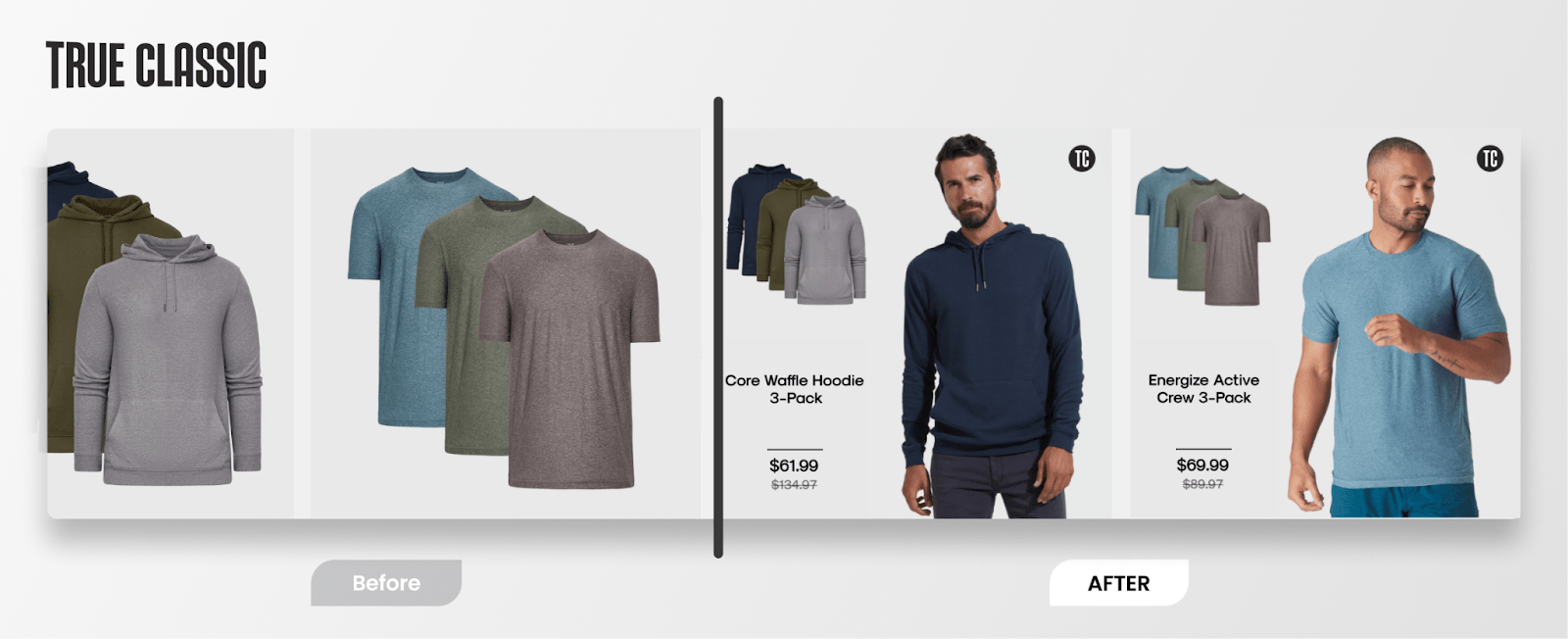

And we have a whole lot of examples of real brands using Socioh that you can check out. Or just book a call with us! We’ll get some designs made just for you. 🙂
2. Add/change the Google Product Category information in your catalog
When you create and set up your catalog through Shopify, sometimes Shopify doesn’t send the correct Google product category information in your catalog. This is a big deal because a wrong GPC means Meta optimizes for the wrong product categories, and the learning around the catalog are wrong.
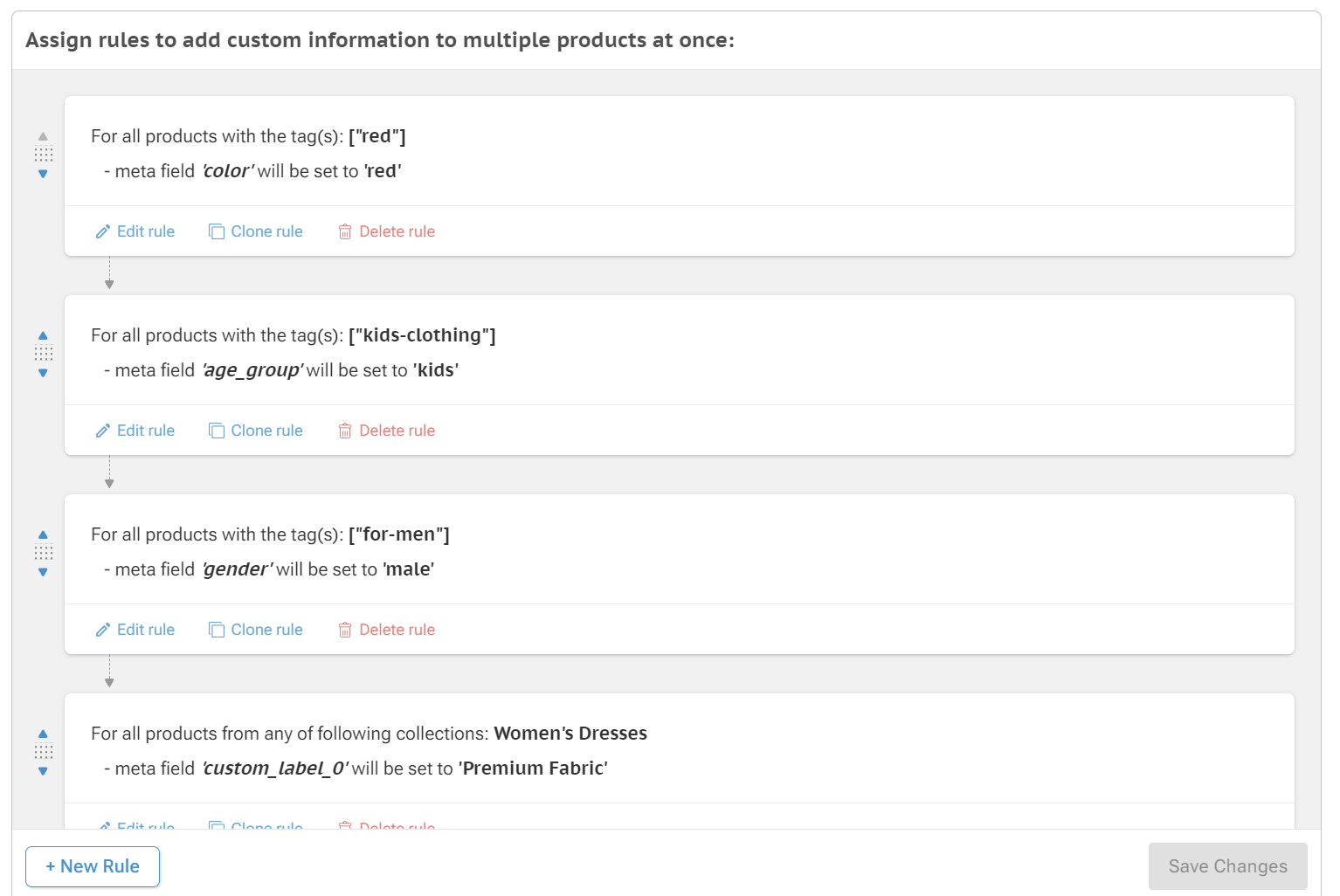
With supplementary feeds, you can add new or change existing GPC information to give error-free data to Meta, improving your catalog optimization, directly affecting ad performance.
Socioh makes this entire process super easy with an intuitive interface that allows you to create rules and automation for all your GPC desires. Not just GPC though, we allow adjustments to any metafield data with complete automation. It’s your one-stop shop for metadata and feed management. Check out Socioh’s Branded Catalogs.
NOTE: Is GPC really that important? Hell yes! Check out Karan’s blog on why GPC matters and w hy a bad setup is causing $$$$ of lost revenue now.
3. Add unit pricing to your products in your Facebook & Instagram Shop interface
Do you sell fabric by the yard? Or maybe you sell tea leaves by the oz?
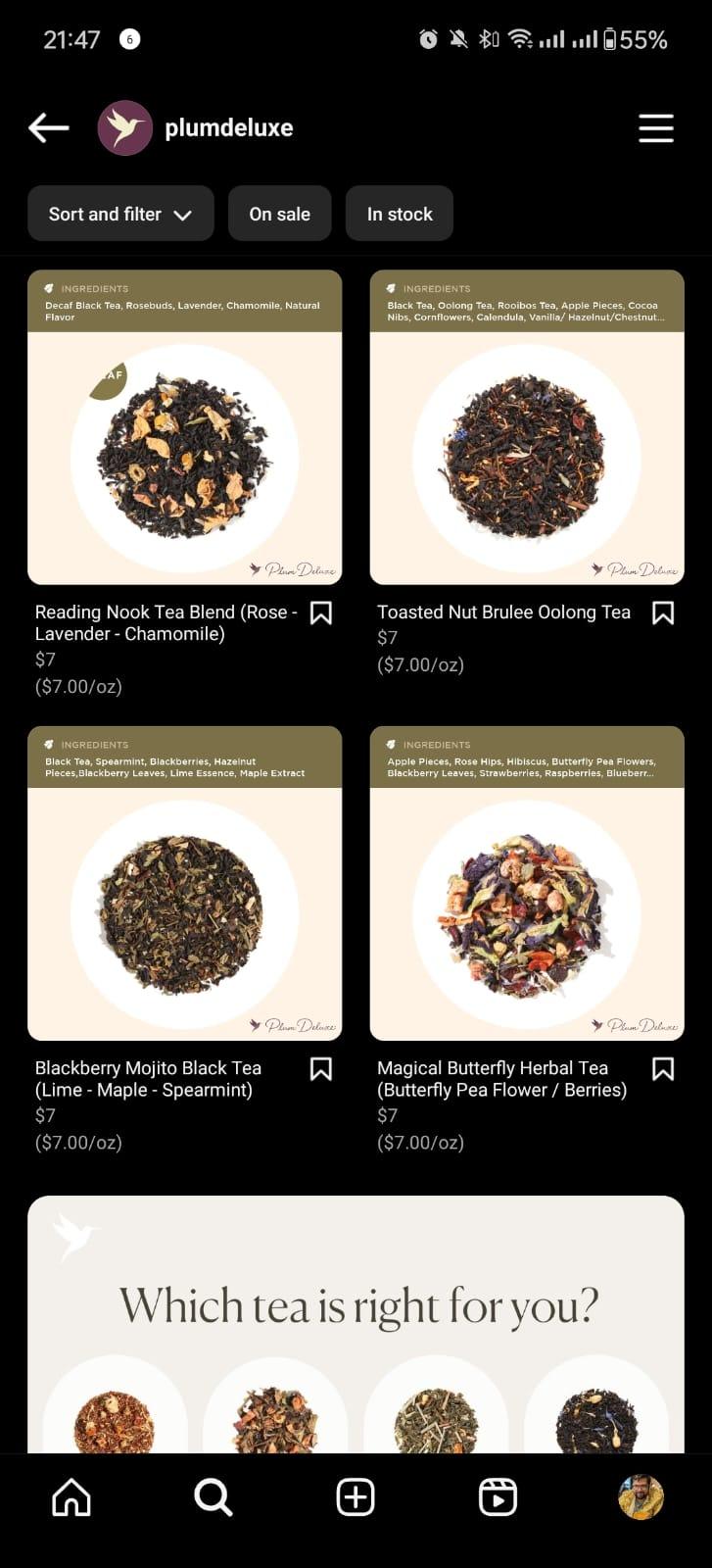
Shopify’s integration does not send per-unit pricing to the Facebook & Instagram Shop. This means added confusion for customer shopping for your products.
With supplementary feeds, you can send the unit price of each product so your customers best understand the value of your products and can make an informed purchase decision.
Here’s how Plum Deluxe used Socioh to introduce per-ounce pricing in their Shop:
4. Show custom variants in your Facebook & Instagram Shop
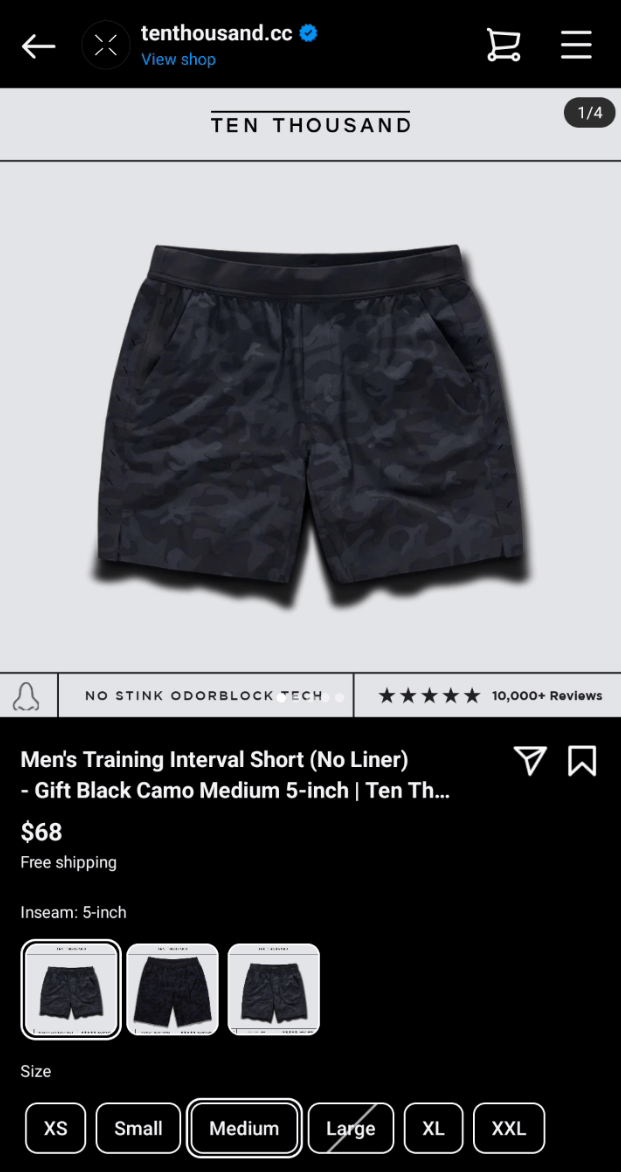
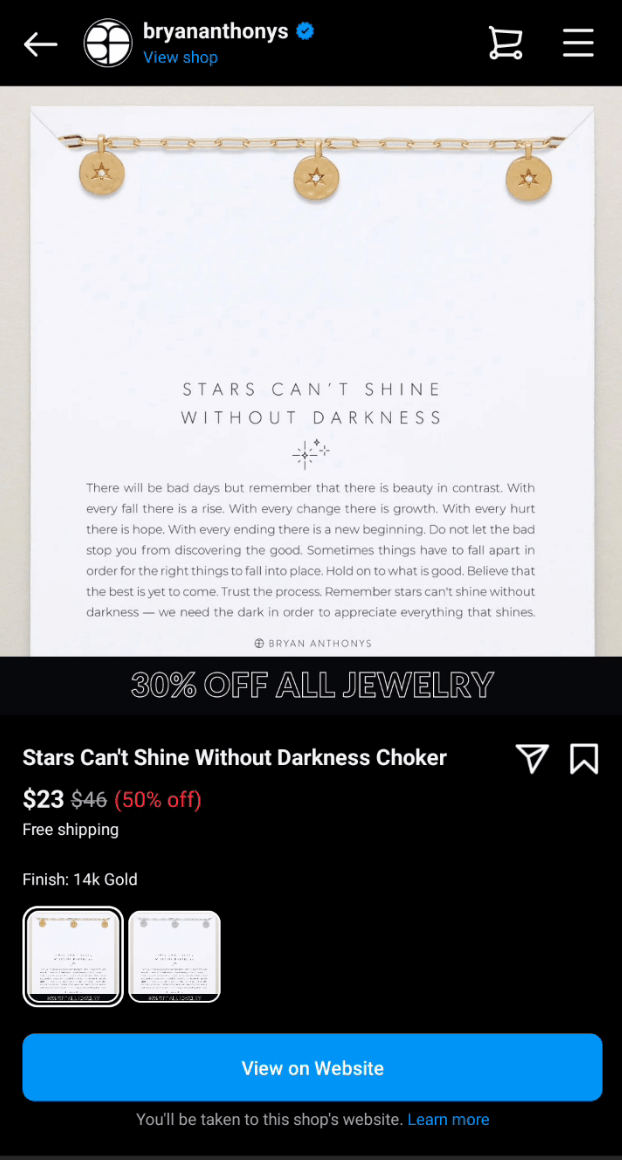
Some brands use custom variants on their website like flavor (foods), smell (fragrances), finish (jewelry), etc. Shopify doesn’t send custom variant information to the catalog – that means custom variants will be missing from the FB & IG Shop! With Socioh, you can use supplementary feeds to send custom variant information to your FB & IG Shop improving the buying decision & reducing conversion friction.
See how athletic wear brand Ten Thousand uses Socioh to show custom variant “In-seam length” in their Shop & how jewelry brand Bryan Anthony imports custom variant “Finish”.
As always, Meta’s advertising landscape continues to evolve with time and it can be hard to keep track of all of what’s happening. I’ll make it easy for you – sign up for our FREE newsletter and we’ll keep you up-to-date with a no-BS curation of advertising and D2C content.
Got any more questions or have a specific supplementary feed problem we haven’t covered yet? Drop us a message @getsocioh on Twitter or @karanjassar on Twitter.
What’s better? Book a demo of Socioh and we’ll be happy to answer any questions related to this.